There’s something magical about decorating your home for Christmas. The twinkling lights, colorful ornaments, cozy atmosphere, and familiar holiday characters make every room feel a little more special.
But what if your Christmas decorations could actually come to life?
With Solidpixels Tetra, you can add a playful, animated touch to your holiday setup. This compact LED pixel display brings festive characters and Christmas scenes to life through colorful animations, making it a fun addition to traditional decorations.
From cheerful snowmen and Santa Claus to reindeer and snowy winter landscapes, Tetra lets you bring a little extra Christmas magic into your favorite spaces.
Here are six creative ways to incorporate animated pixel art into your holiday decorations.
The living room is usually the heart of Christmas celebrations. It’s where the tree stands, presents pile up, and everyone gathers to enjoy the holidays.
Placing a Solidpixels Tetra on your coffee table, TV console, or nearby shelf can make the entire setup feel more festive.
Imagine a cheerful snowman waving hello, Santa flying across a snowy sky, or adorable reindeer lighting up your living room.
The colorful animations complement your Christmas tree lights and ornaments, creating a playful atmosphere that both kids and adults can enjoy.
Decorating tip: Position your Tetra near your Christmas tree or other illuminated decorations. The combination of traditional lighting and animated pixel art creates a cozy holiday scene.
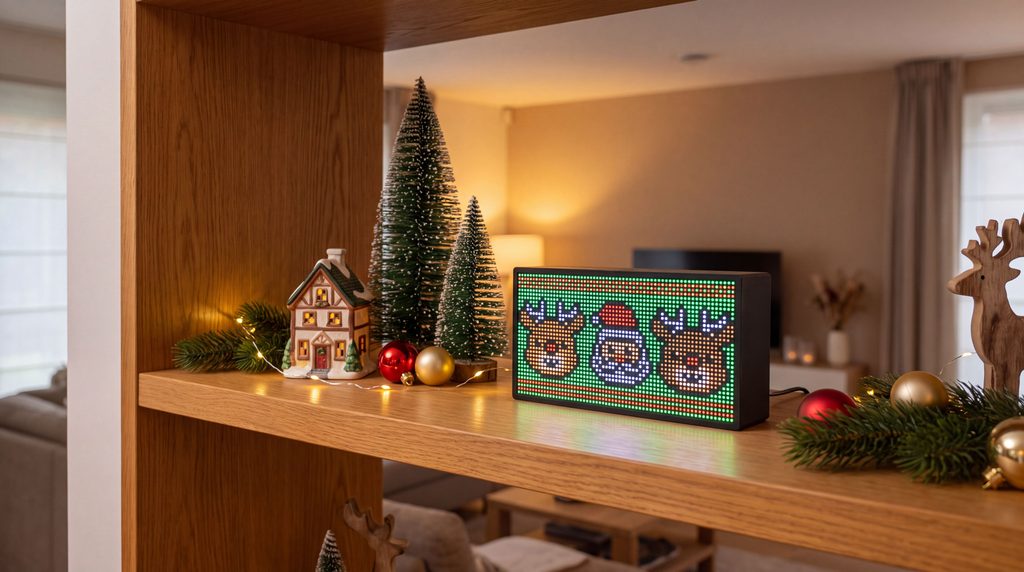
Decorative shelves are perfect for creating small Christmas scenes.
You might already have miniature Christmas trees, ceramic houses, candles, or holiday figurines arranged on a bookshelf or mantel.
Adding an animated LED display introduces movement and color to an otherwise static arrangement.
For example, you could surround your Tetra with artificial snow, miniature pine trees, and small Christmas ornaments while displaying an animation of Santa’s sleigh or a snowy winter landscape.
The result is a miniature Christmas scene that feels alive.
Decorating tip: Try combining decorations of different heights. Place your Tetra toward the center or slightly behind smaller ornaments so the animation remains visible without dominating the entire arrangement.
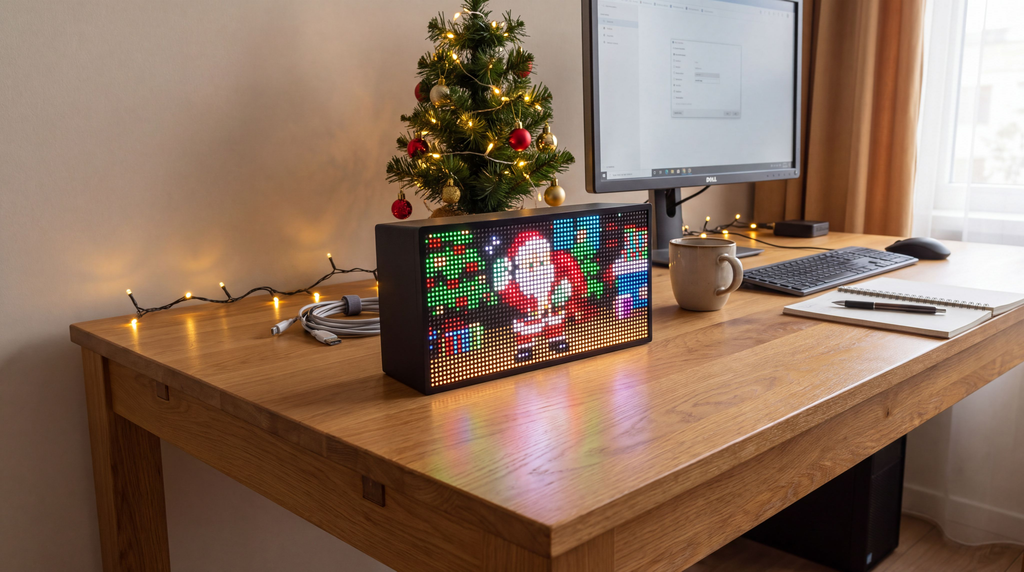
Just because you’re working doesn’t mean you can’t enjoy the holiday spirit.
If you spend hours at your desk, adding a little Christmas decoration can make your workspace feel much more inviting.
Solidpixels Tetra fits naturally alongside a monitor, keyboard, or desk accessories. During the holiday season, you can display festive pixel animations instead of your usual content.
A dancing snowman, cheerful reindeer, or animated Christmas tree can add a little personality to your workspace without taking up much room.
And when the holidays are over, your Tetra can return to displaying useful information such as the time, weather, sports scores, or other apps.
Decorating tip: Pair your Tetra with a small tabletop Christmas tree, warm white LED lights, or a festive desk mat for a holiday-themed workspace.
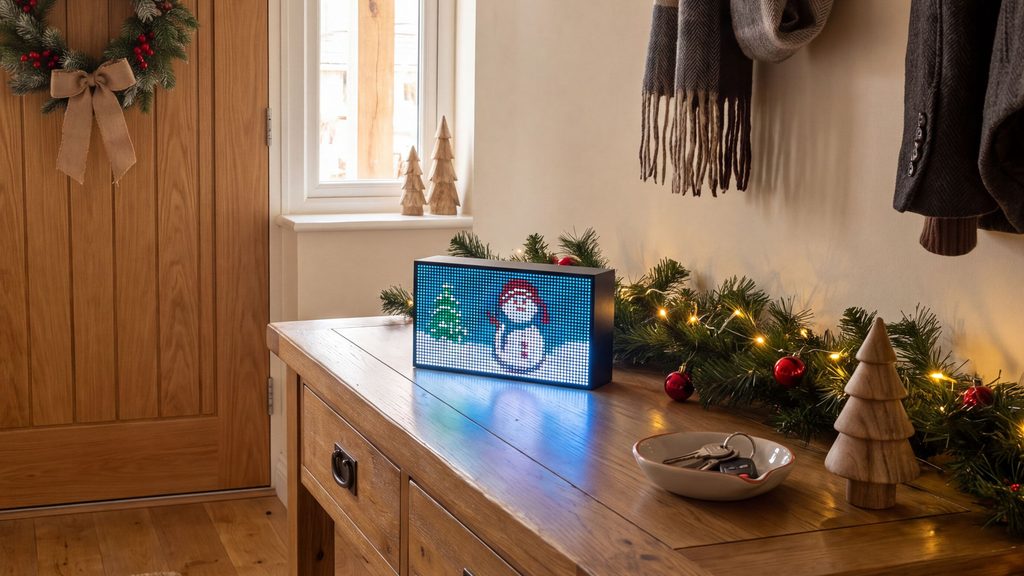
Your Christmas decorations don’t have to stop at the living room.
An entryway table, hallway shelf, or reception counter can become a cheerful holiday display with the right accessories.
Imagine guests walking into your home and being greeted by an animated Santa Claus, a friendly snowman, or a group of smiling reindeer.
It’s a small detail, but one that adds personality to your decorations and makes your space feel more welcoming.
This idea also works beautifully in cafés, boutiques, offices, and other businesses that want to create a festive atmosphere for customers.
Decorating tip: Combine your Tetra with a small Christmas wreath, pine garland, or decorative gift boxes to create a welcoming display.
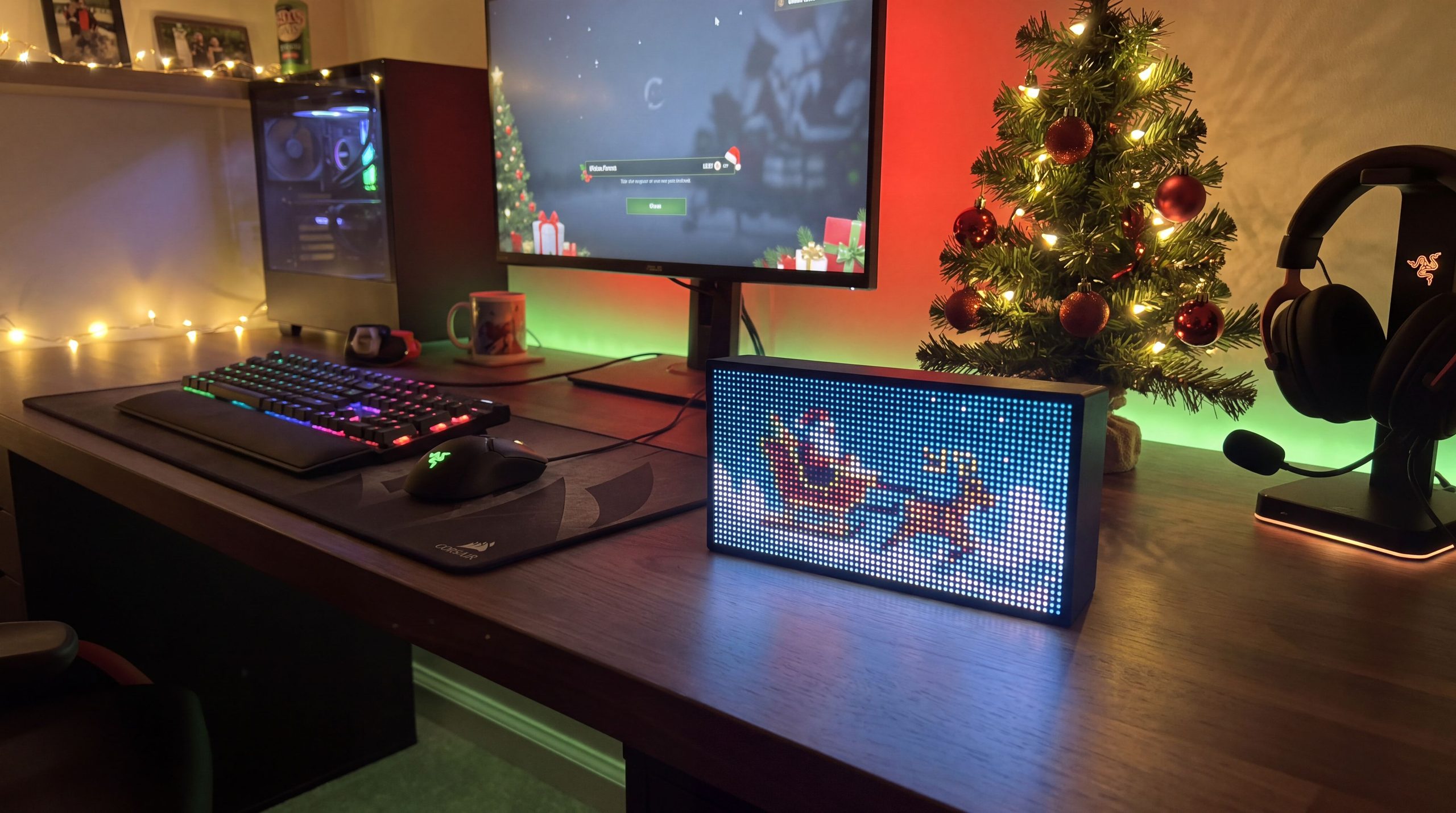
For gamers and tech enthusiasts, Christmas decorations don’t have to mean replacing your favorite setup with traditional ornaments.
Instead, you can incorporate holiday elements that match your existing aesthetic.
Animated pixel art is particularly well suited to gaming rooms because its colorful, retro-inspired style naturally complements RGB lighting and gaming accessories.
Place your Solidpixels Tetra beside your monitor, speakers, or gaming console and choose a Christmas animation that matches your setup.
Whether it’s Santa Claus, a playful reindeer, or a snowy landscape, the display adds a seasonal touch without changing the character of your room.
Decorating tip: Match the colors of your RGB lighting to your Christmas decorations. Red, green, and warm white are classic choices, while icy blue works beautifully with snowy winter animations.
Why settle for just one Christmas decoration when you can enjoy several?
One of the fun things about Solidpixels Tetra is the ability to explore different animations and switch between your favorites.
You could start the day with a cheerful snowman, display Santa and his reindeer in the afternoon, and enjoy a peaceful snowy landscape in the evening.
Tetra also supports automatic app rotation, allowing you to cycle through selected content without manually changing it every time.
And if you have more than one Tetra, you can create a coordinated Christmas display featuring different animations, just like the festive living-room setup pictured above.
Decorating tip: Choose animations that complement each other visually. Combining snowy scenes, classic Christmas characters, and festive colors can make multiple displays feel like part of the same holiday theme.
Getting your Tetra ready for Christmas is simple.
You can also switch between Christmas animations and your everyday apps whenever you like.
One of the best things about decorating with Solidpixels Tetra is that it doesn’t have to spend the rest of the year packed away in a box.
Unlike traditional Christmas decorations, Tetra is a versatile smart display you can enjoy throughout the year.
Once Christmas is over, you can replace your holiday animations with something entirely different.
Display animations for Halloween, celebrate special occasions, showcase your favorite pixel art, or use practical apps for weather updates, sports scores, clocks, and more.
The same display that brings Santa and his reindeer into your living room in December can become part of your everyday home decor in January.
Christmas decorating is all about creating a warm, welcoming atmosphere and filling your home with things that make you smile.
Whether you prefer a traditional Christmas tree, minimalist holiday decorations, or a colorful gaming setup, animated pixel art offers a creative way to make your space feel more festive.
With cheerful characters, colorful winter scenes, and playful animations, Solidpixels Tetra adds movement and personality to your Christmas decorations.
And the best part? You can enjoy it long after the holiday season ends.
Ready to bring your Christmas decorations to life?
Explore Solidpixels Tetra and discover a new way to decorate your space.

